Prerequisites for setting up WhatsApp on Cheerio
Prerequisites
Businesses must have a Facebook page.
Facebook Business page should be verified.
Businesses should have a new number for WhatsApp messaging. Step to follow
Visit the developer's home page for Meta.
Create a New App (type - Business).
Add the appropriate app name.
Add contact email.
Select the business account.
Once an app is created, go to the developer's home and select the app.
Now Select -> Setup WhatsApp.
Follow the steps and complete the WhatsApp setup.
https://developers.facebook.com/docs/whatsapp/
Once the setup is done, please provide us the access token by following these steps - https://developers.facebook.com/docs/whatsapp/business-management-api/get-started#1--acquire-an-access-token-using-a-system-user-or-facebook-login
Now that you have all the above required items you can proceed to setup WhatsApp on Cheerio. If you don’t have these please contact the Cheerio team to assist you with setup. Click here
Recommended for You
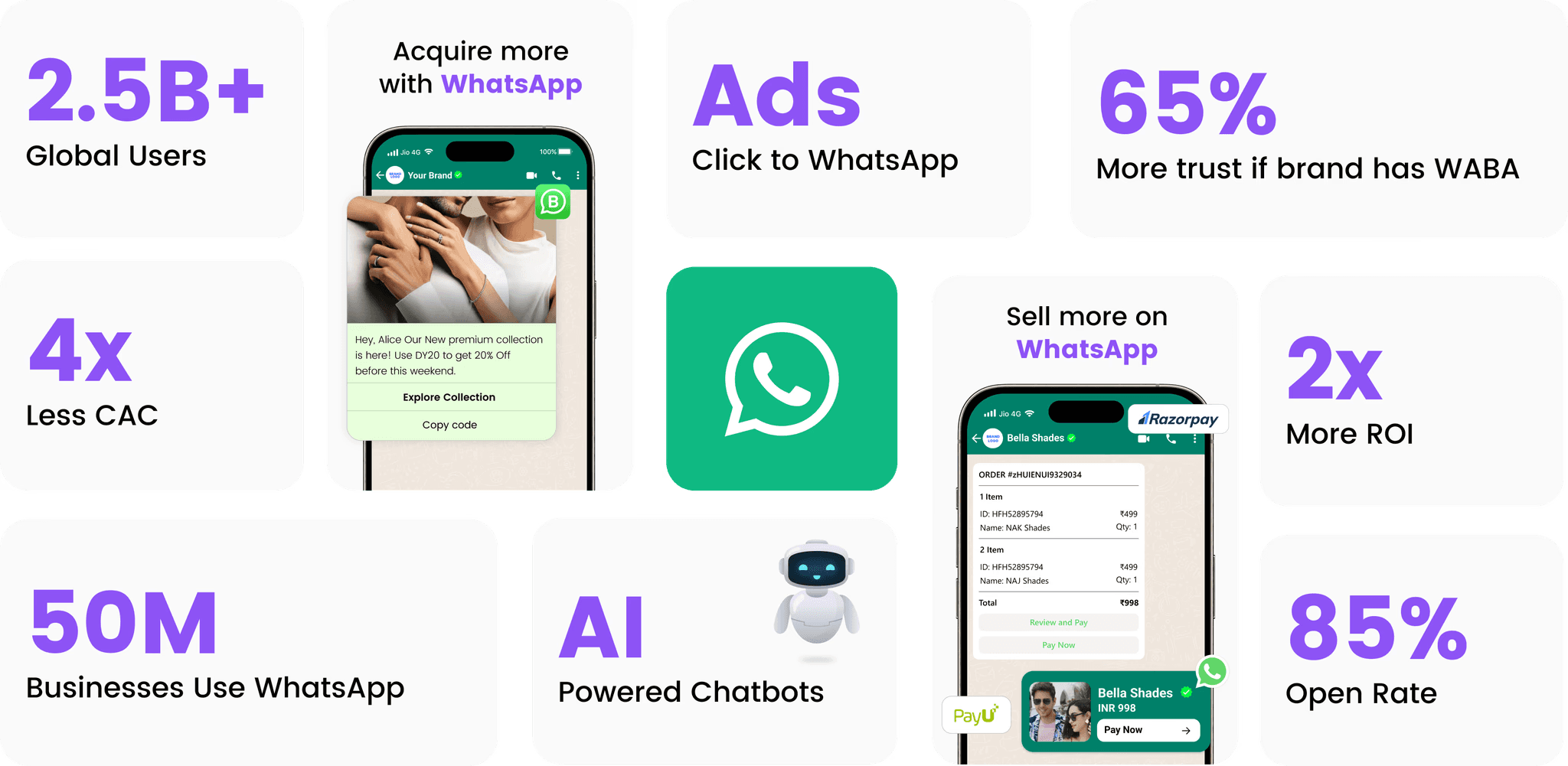
Prerequisites for setting up WhatsApp on Cheerio
Prerequisites for setting up WhatsApp on Cheerio
Prerequisites for setting up WhatsApp on Cheerio
January 6, 2026

How to set up Email channel on Cheerio AI
How to set up Email channel on Cheerio AI
How to set up Email channel on Cheerio AI
December 29, 2025
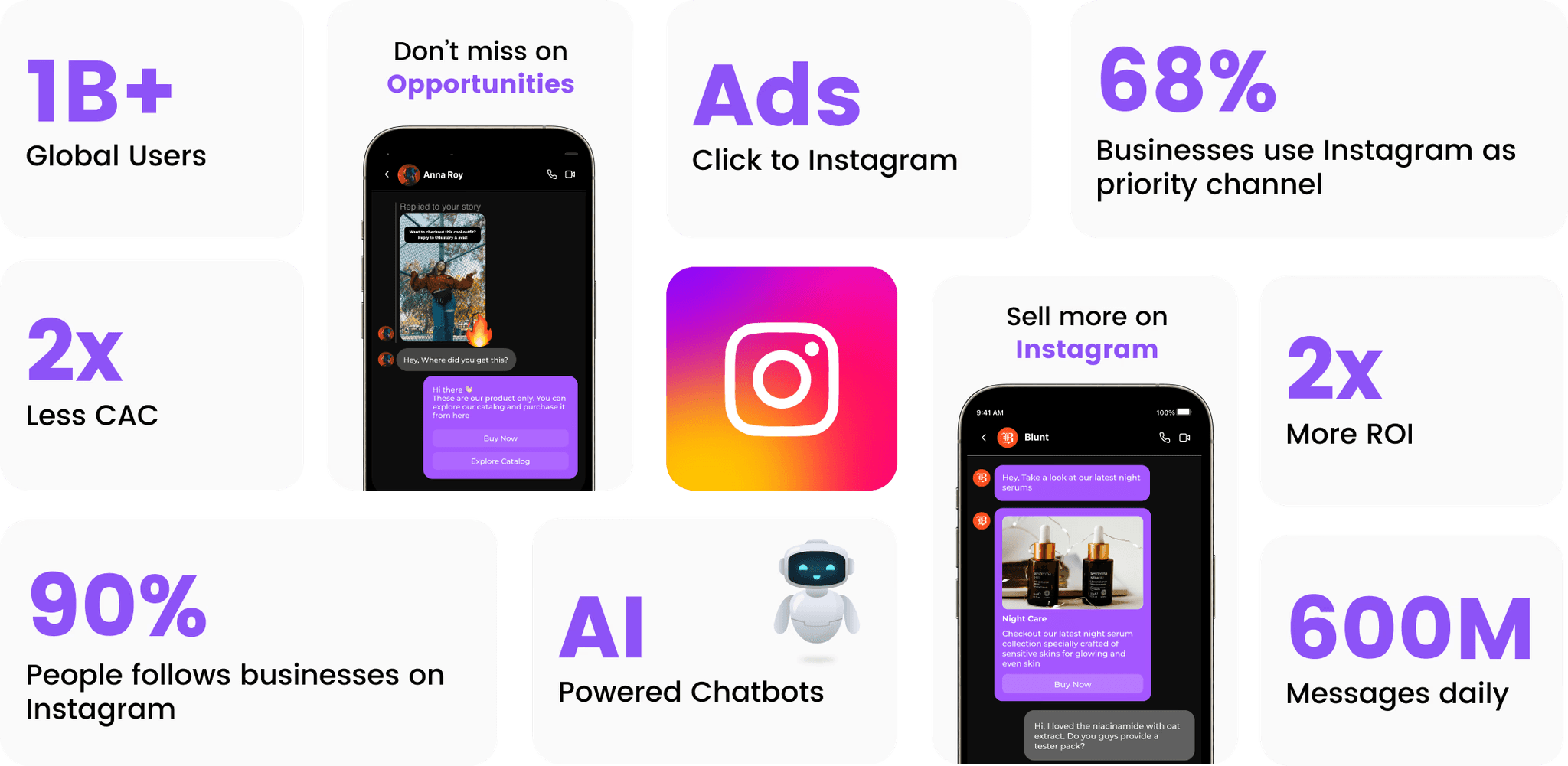
How to setup Instagram Channel on Cheerio AI
How to setup Instagram Channel on Cheerio AI
How to setup Instagram Channel on Cheerio AI
December 7, 2025