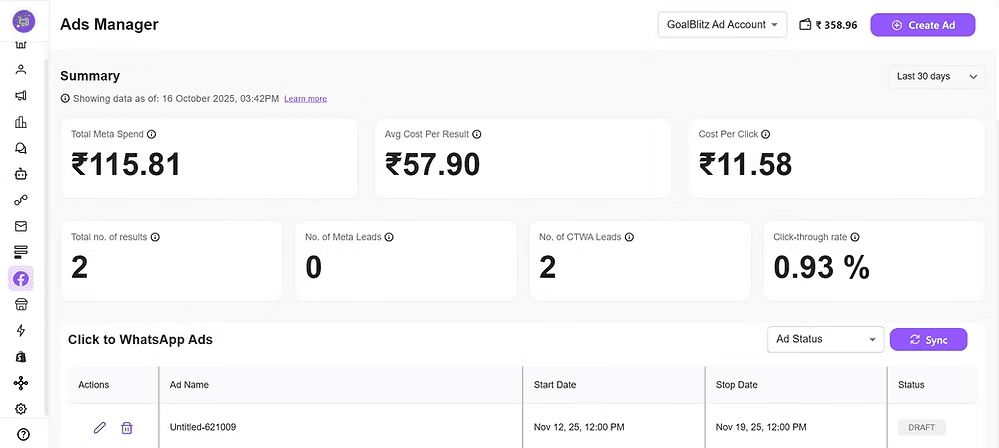
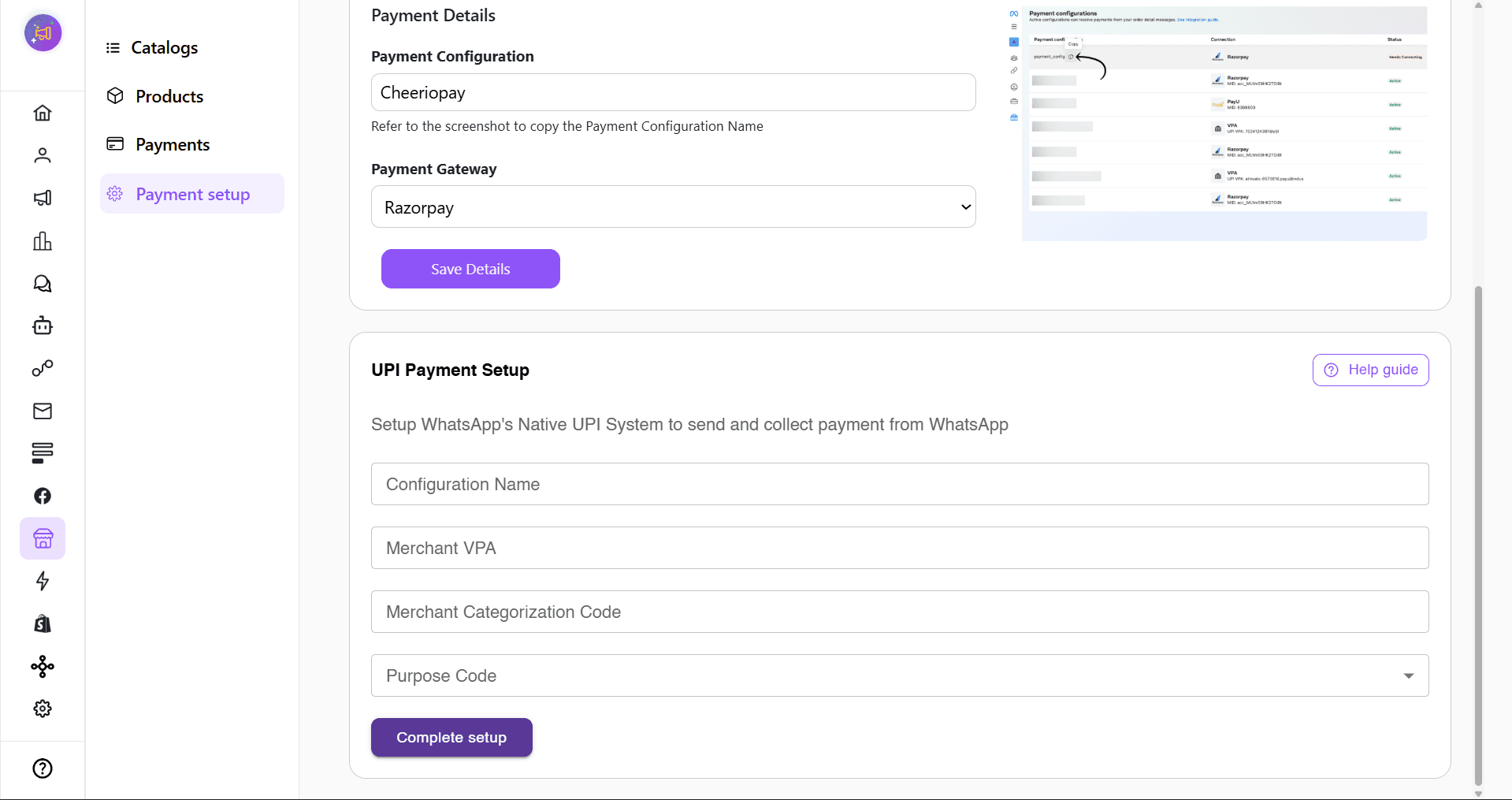
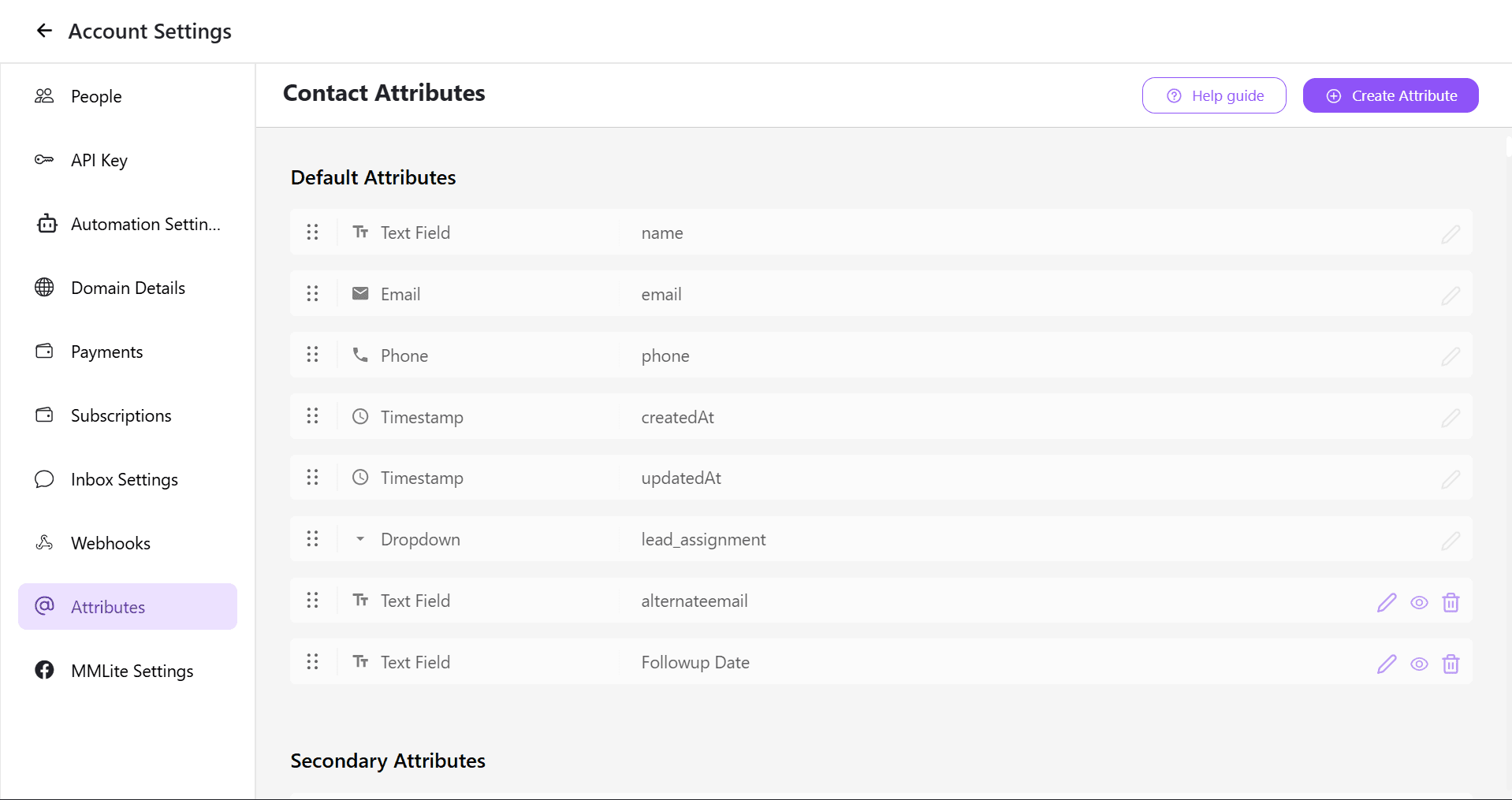
Click-to-Instagram DM (CTIDM) ads allow you to run campaigns on Instagram and Facebook that drive users directly into Instagram Direct Messages (DMs) with your business.
Cheerio AI enables an integrated workflow—from ad creation to automated post-message responses, routing, and analytics.
Step 1: Navigate to Meta Ads & Create Ad
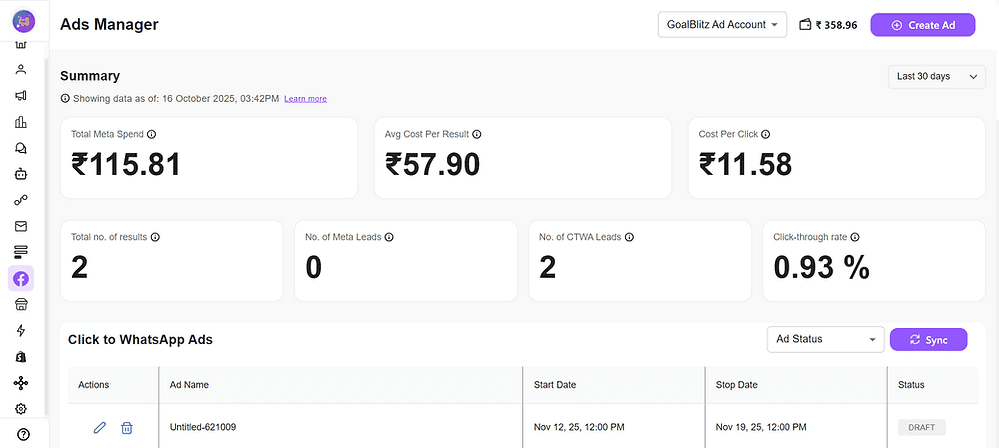
1.1 Navigation
Home Dashboard → Meta Ads → Ads Manager → Create Ad
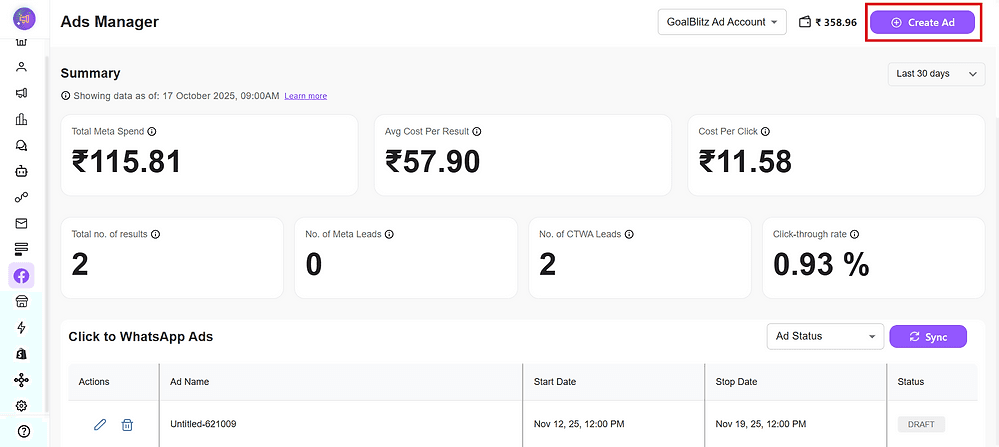
1.2 Ad Name
Enter a clear, descriptive name for campaign tracking.
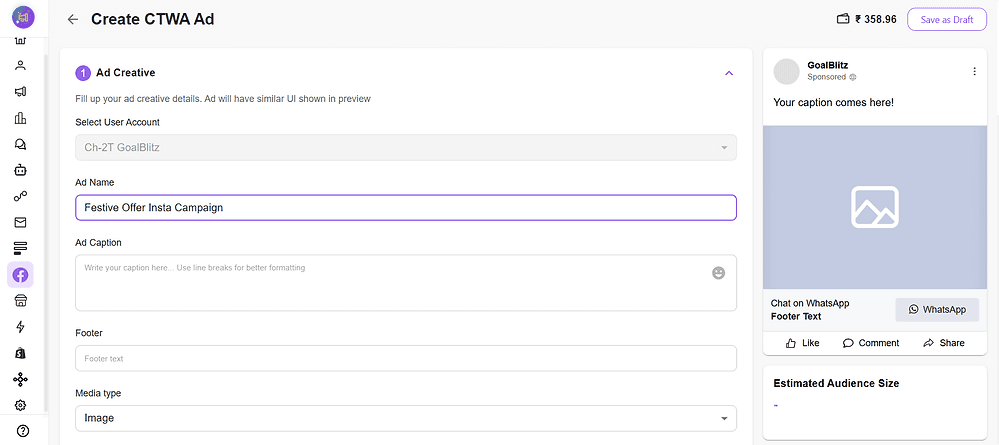
1.3 Ad Caption
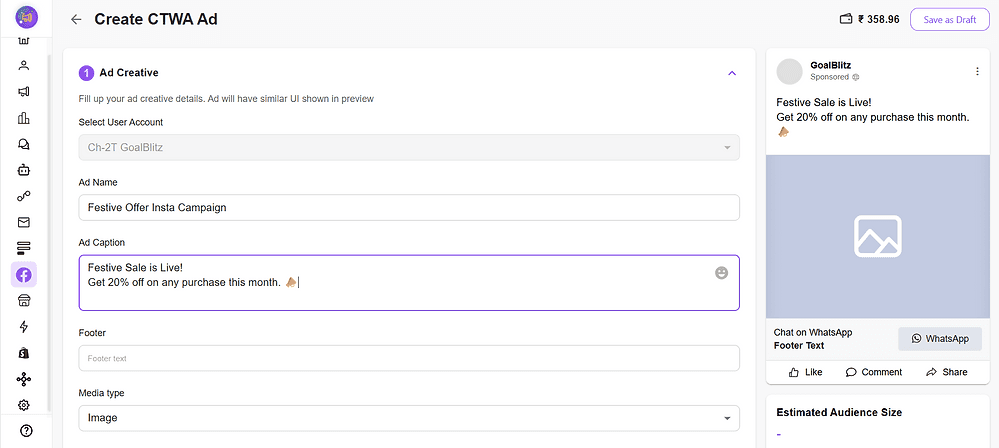
Keep it short, clear, and engaging.
Use line breaks and emojis for readability.
1.4 Footer Text
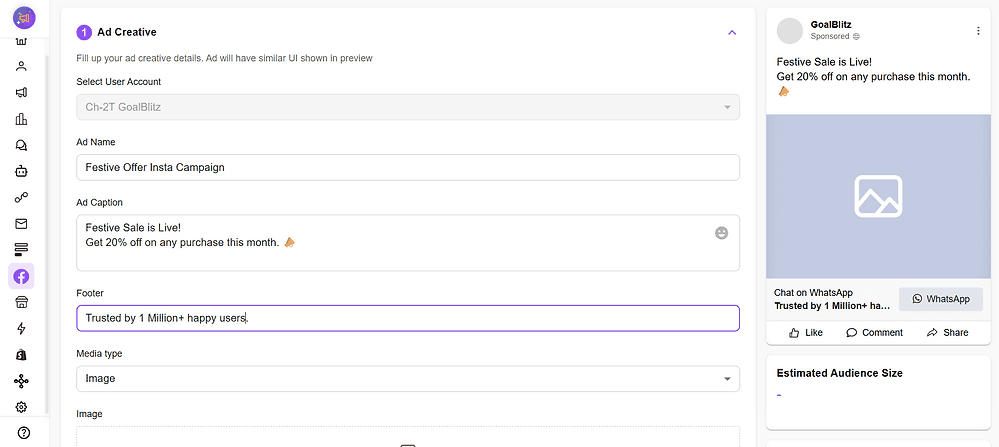
Add your brand tagline, trust statement, or callout.
Media Type → Image
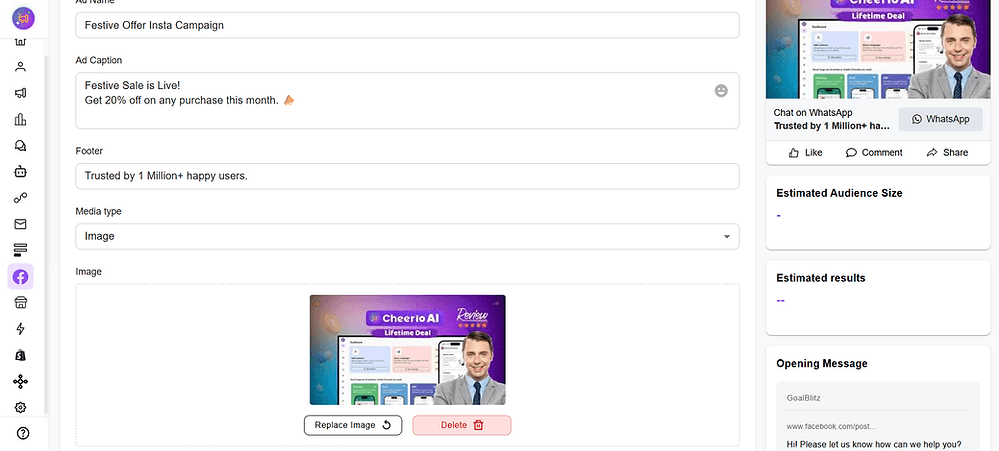
Format: JPG / PNG / MP4
Max 5MB
Recommended Size: 1080×1080 or 1280×720
Use visuals that feel “native” to Instagram — lifestyle-based, not overly promotional.
Best Practice: Add short overlay text like “DM Us to Know More!”
Step 2: Audience Targeting
Saved Audience
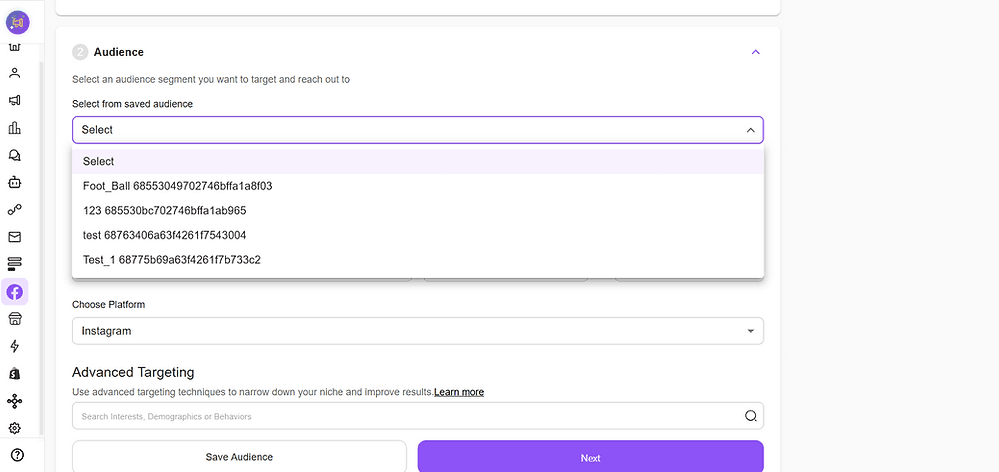
Use a pre-built audience if already created.
Location
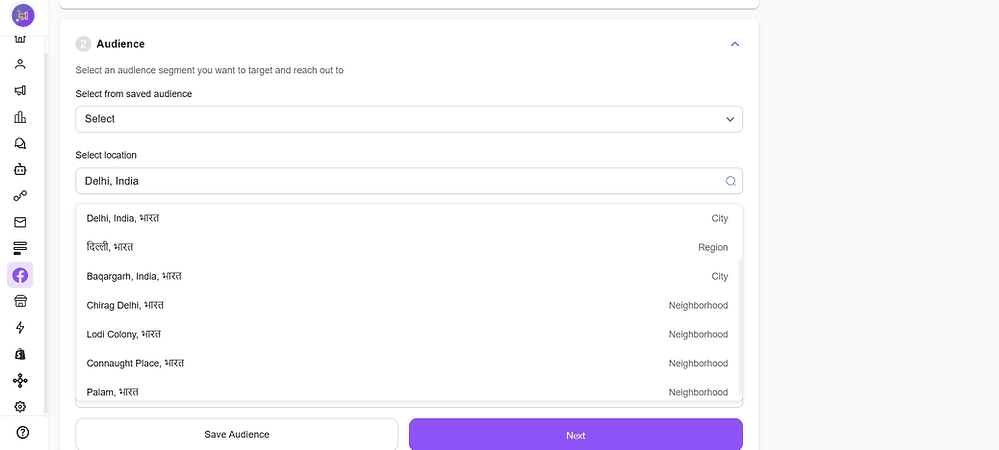
Target country, state, or city.
Example: India → Delhi + Mumbai.
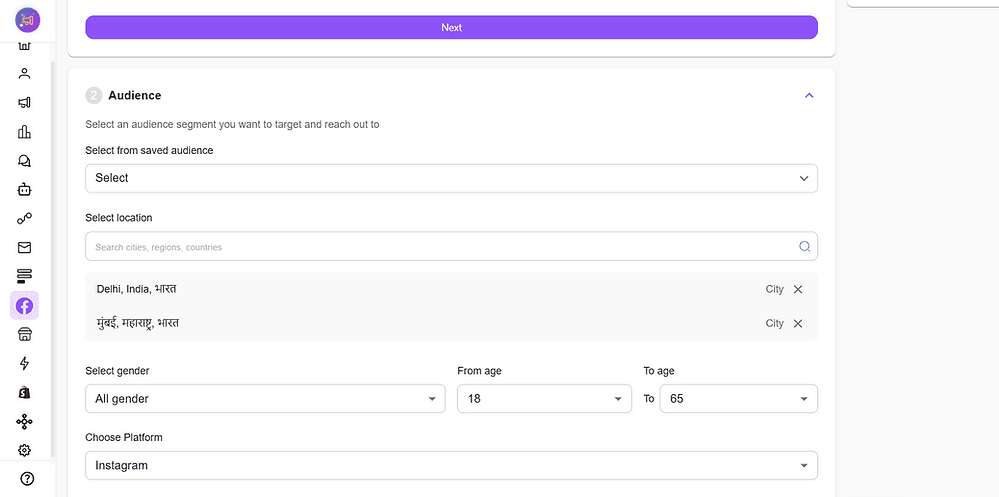
Demographics
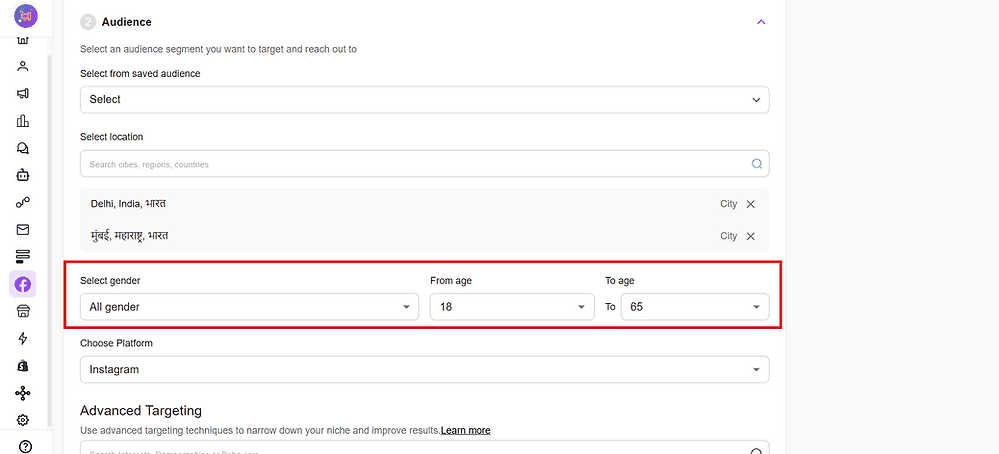
Gender: All / Male / Female
Age: 18–65+
Platforms
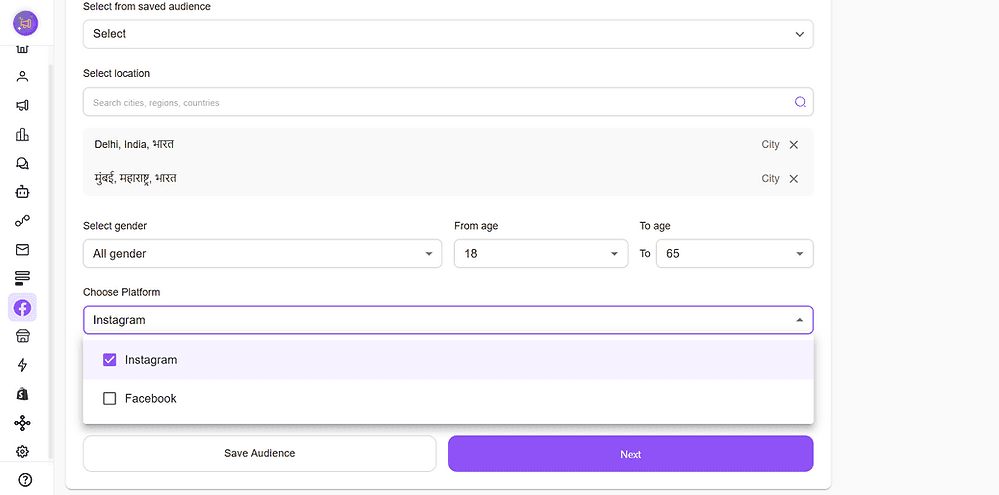
Instagram and/or Facebook.
Advanced Targeting
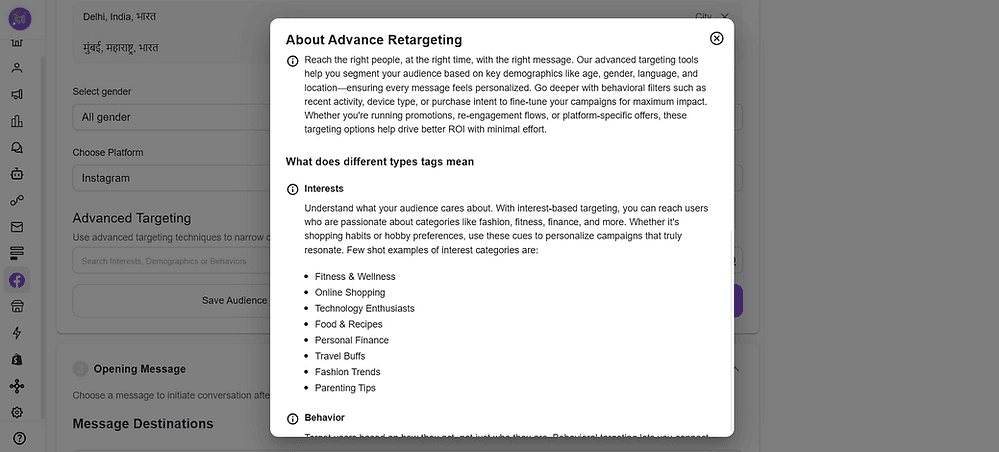
Add Interests, Demographics, or Behaviors.
Examples:
Beauty → Skincare, Cosmetics
Furniture → Home Decor, Interior Design
Best Practice: Start broad, refine using performance metrics.
Step 3: Opening Message
3.1 Message Destination
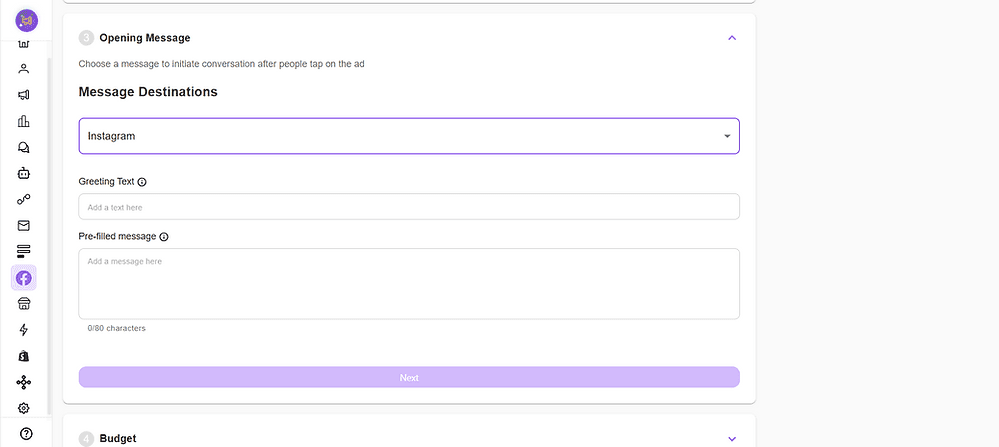
Select Instagram
3.2 Greeting Text
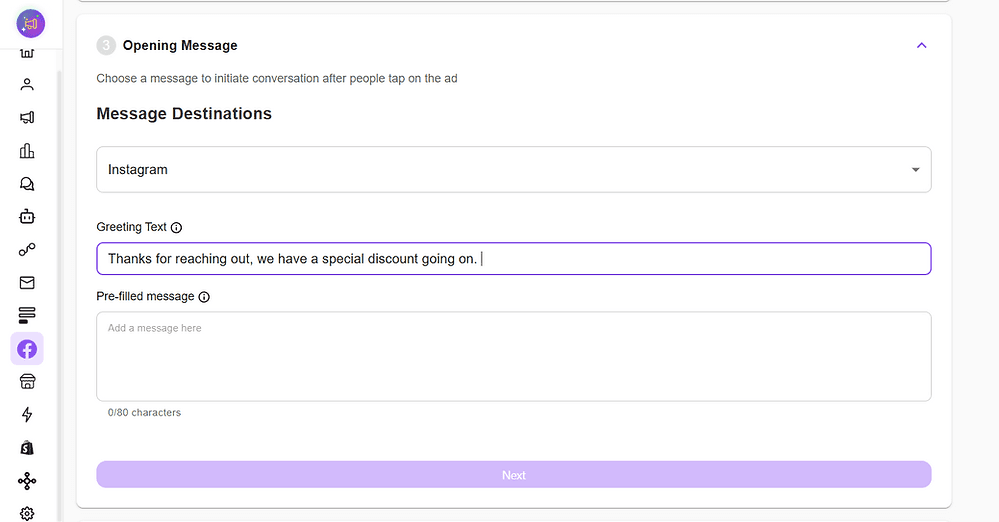
3.3 Pre-filled Message
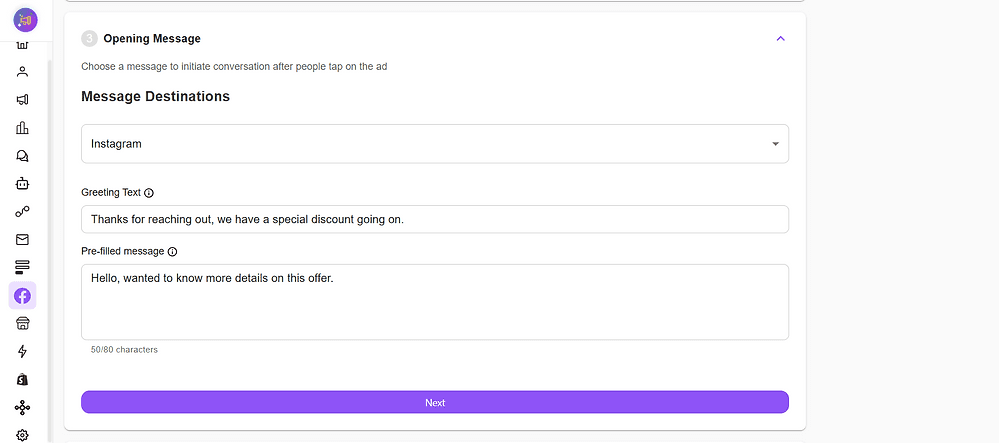
Best Practice: Keep it conversational and aligned with campaign intent.
Step 4: Budget & Schedule
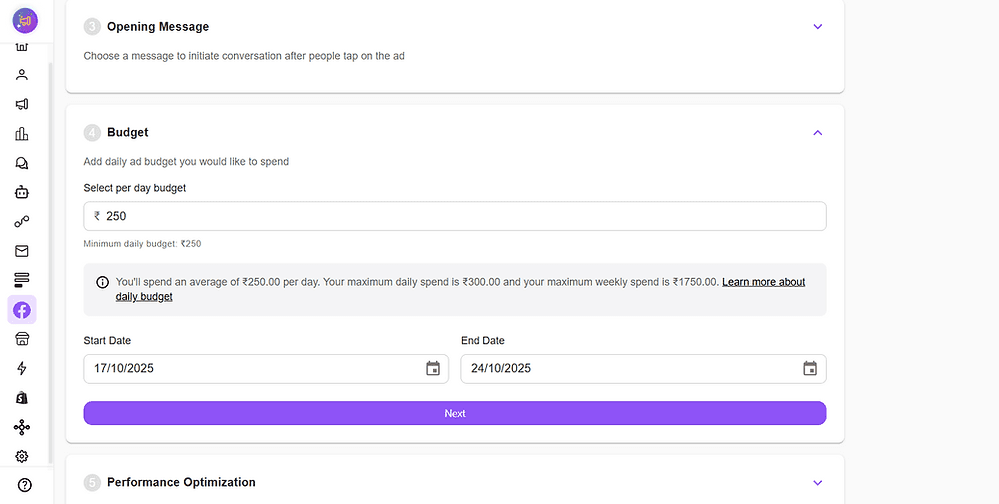
Configure Start Date / End Date
Best Practice: Run for ≥7 days to get stable results.
4.1 Daily Budget
This is an average daily amount that will be used from your wallet to run ads. The amount can vary from on day to day basis based on targeting, but don't worry, the net amount that will be charged from your wallet will be equal to your { daily budget x number of days } of the ad campaign
4.2 Campaign Dates
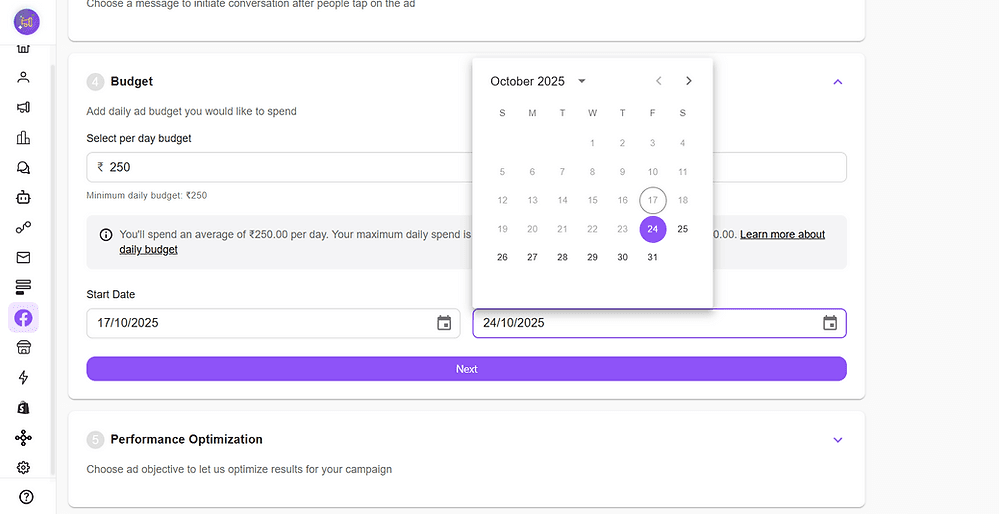
Configure Start Date / End Date
Best Practice: Run for ≥7 days to get stable results.
Step 5: Performance Optimization
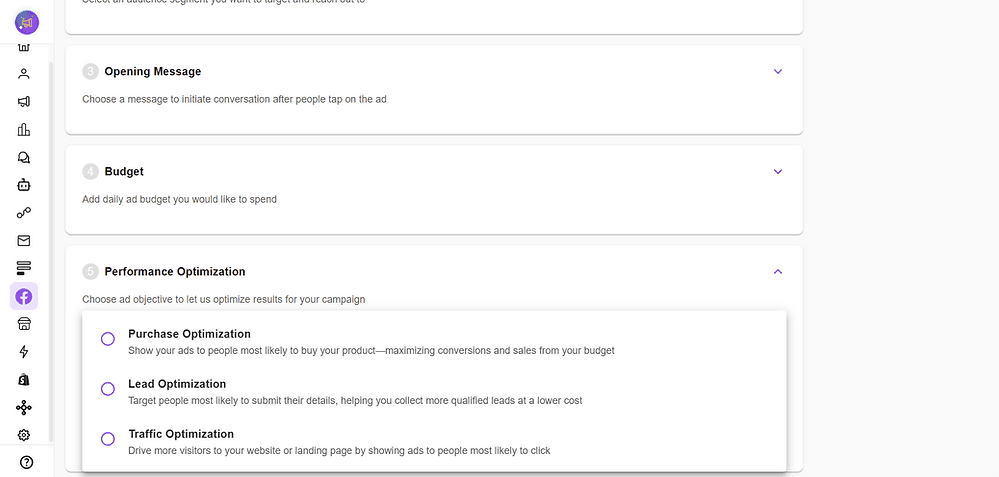
5.1 Ad Objective
Ensure to select the right type of optimisation as per your campaign. If your goal is to convert a purchase, then select purchase, similarly for other cases
Pixel Event Setup
Connect Meta Pixel to track outcomes like leads, website visits, and purchases.
Cheerio Workflows can fire events like Lead Generated when a user engages via Instagram.
Always set conversion pixels to optimize ad delivery to high-performing audiences.
Step 6: Publish
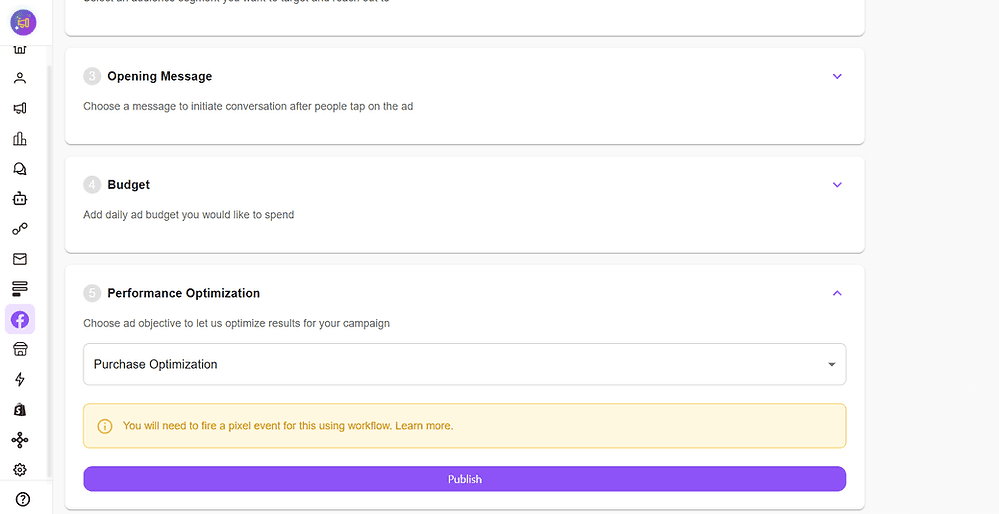
Review all details: Creative → Audience → Message → Budget → Optimization.
Click Publish → Cheerio syncs with Meta Ads Manager and activates the campaign.
B. Post-Message Workflow Automation (CTIDM)
When users click your ad and send a DM, Cheerio AI automates replies, routing, and actions.
Step 1: Keyword / Intent Trigger
Create a trigger matching your pre-filled DM message (Home → Keyword Triggers).Supports Exact, Approx., and AI Context matches.
Step 2: Reply Action Setup
Choose how Cheerio responds — Text, Media, Catalog, Template, Workflow, or Agent Assignment.
Example: Keyword “new arrivals” → Send product carousel.
Step 3: Workflow CreationTrigger:
Incoming Instagram DMActions: Send Message, Assign Agent, Trigger Pixel, Update CRM, AI Reply, Delay.
Step 4: Agent Assignment
Chats auto-assigned based on load; manual reassignment available.
Step 5: Linking Workflow to CTIDM Ad
Create a keyword matching the ad’s pre-filled DM text, link it to a Workflow, and activate it. Incoming DMs from the ad will automatically follow the linked workflow.
Step 6: Analytics Track Clicks, DMs Started, Auto-Replies, Leads, and Conversion Rate in Cheerio Analytics.
Pro Tips for High-Performing Ads
Creative: Lifestyle images + strong CTA (“Chat Now”)
Caption: Add urgency (“Limited Time Offer”)
Audience: Start broad → Refine based on analytics
Messaging: Pre-fill intent-driven messages (“I want to book a demo”)
Tracking: Always connect a pixel to measure ROI
Testing: Run A/B tests with creatives, captions, and workflows